Sending A Referral
Sending a referral is made simple using the online system. Please remember to include all the contact information and details regarding the referral itself AND let the person you are referring know to expect a call or email. Only pass on a referral of the quality you would hope to receive.
Using your phone app
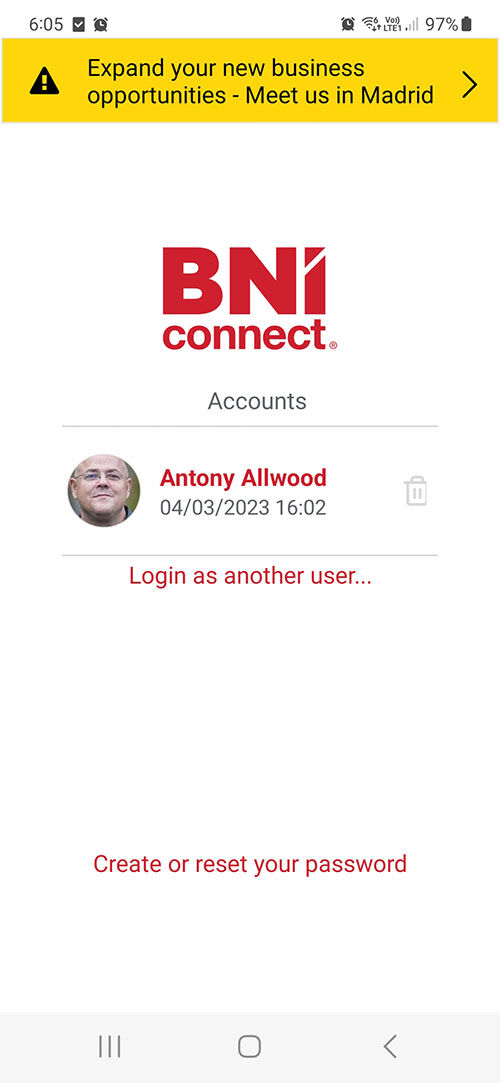
1. Log into the app on your phone.
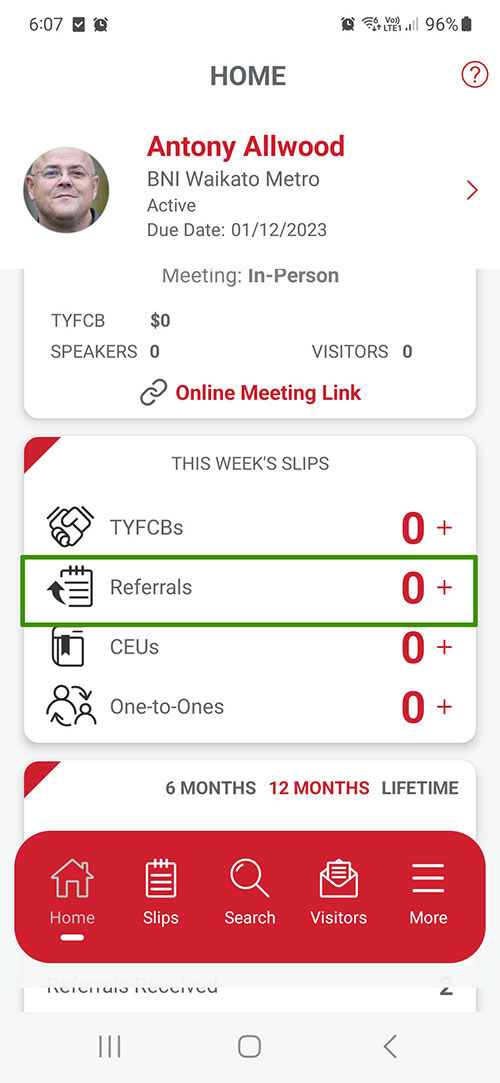
2. Click on the icon next to the word 'Referrals'.
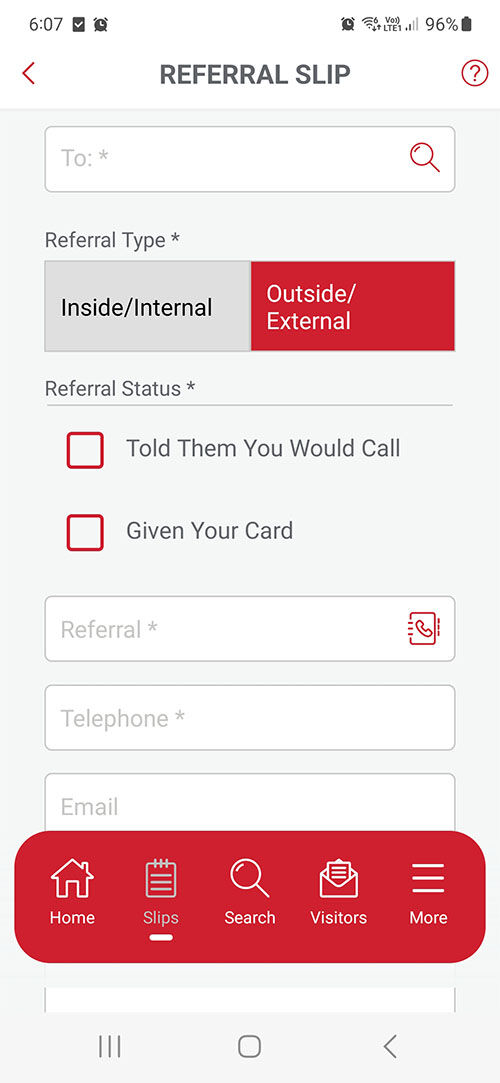
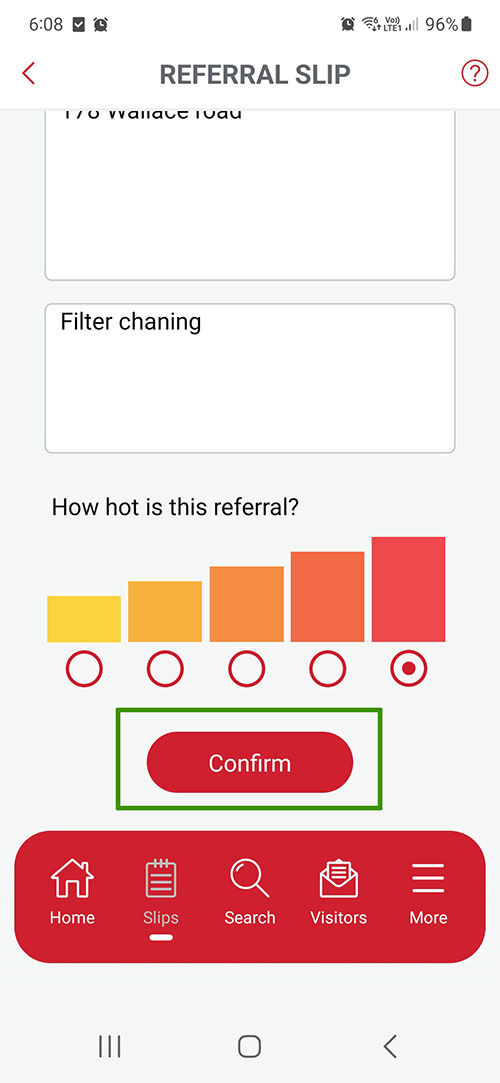
3. A blank Referral Slip will open.
4. Enter the details of the referral.
5. Click on the 'Confirm' Button at the bottom of the Referral Slip.
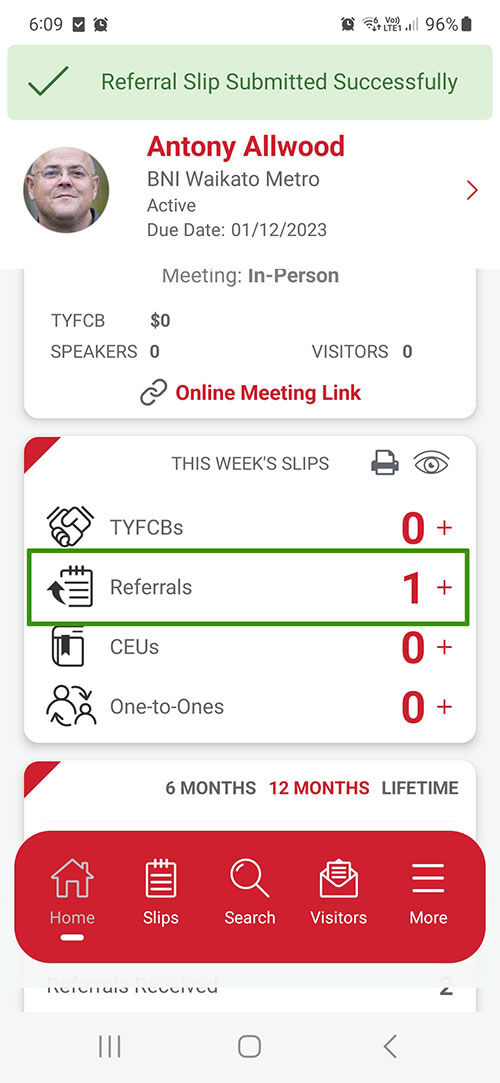
5. You will be returned to your dashboard.
From your Computer
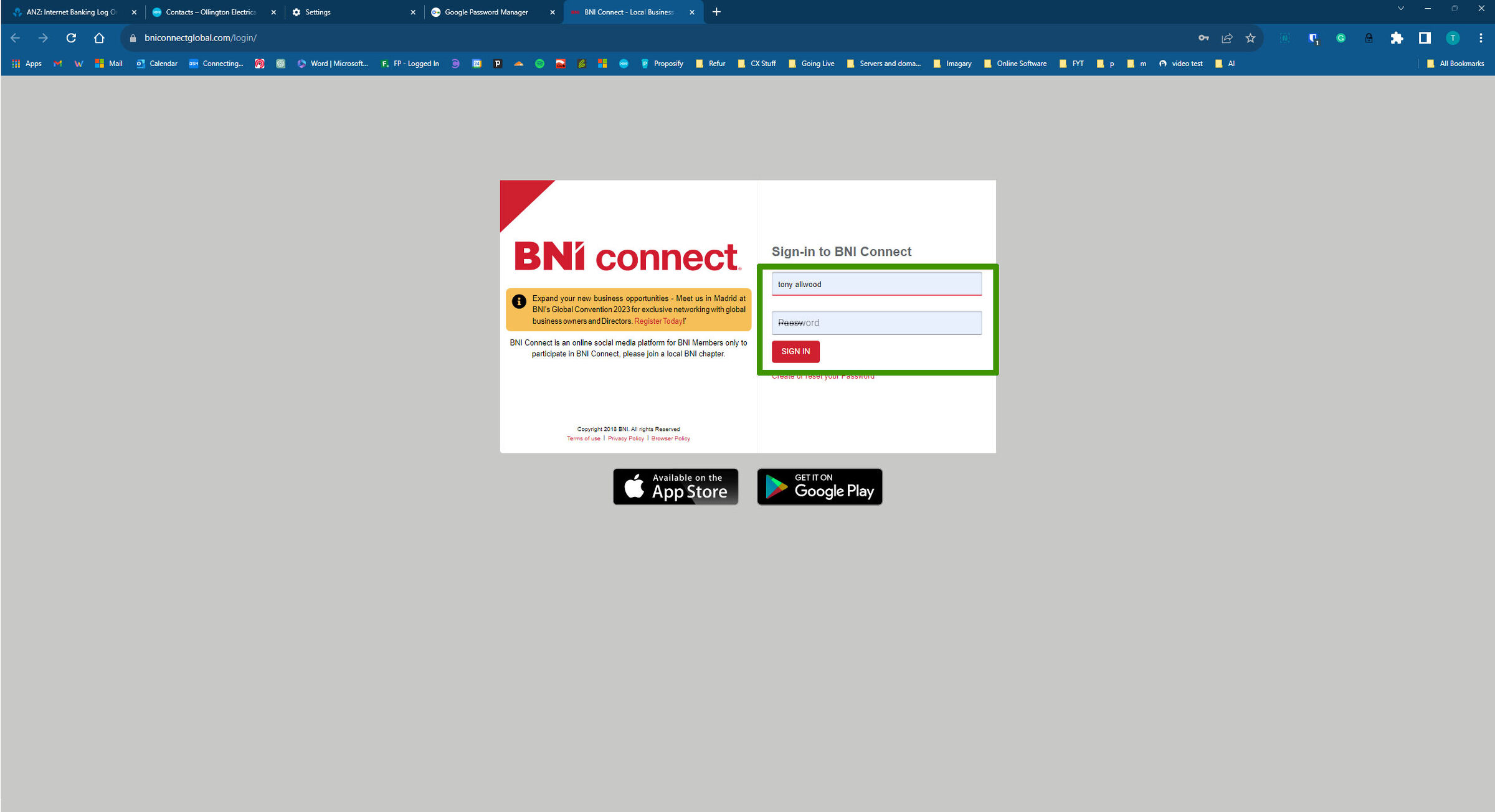
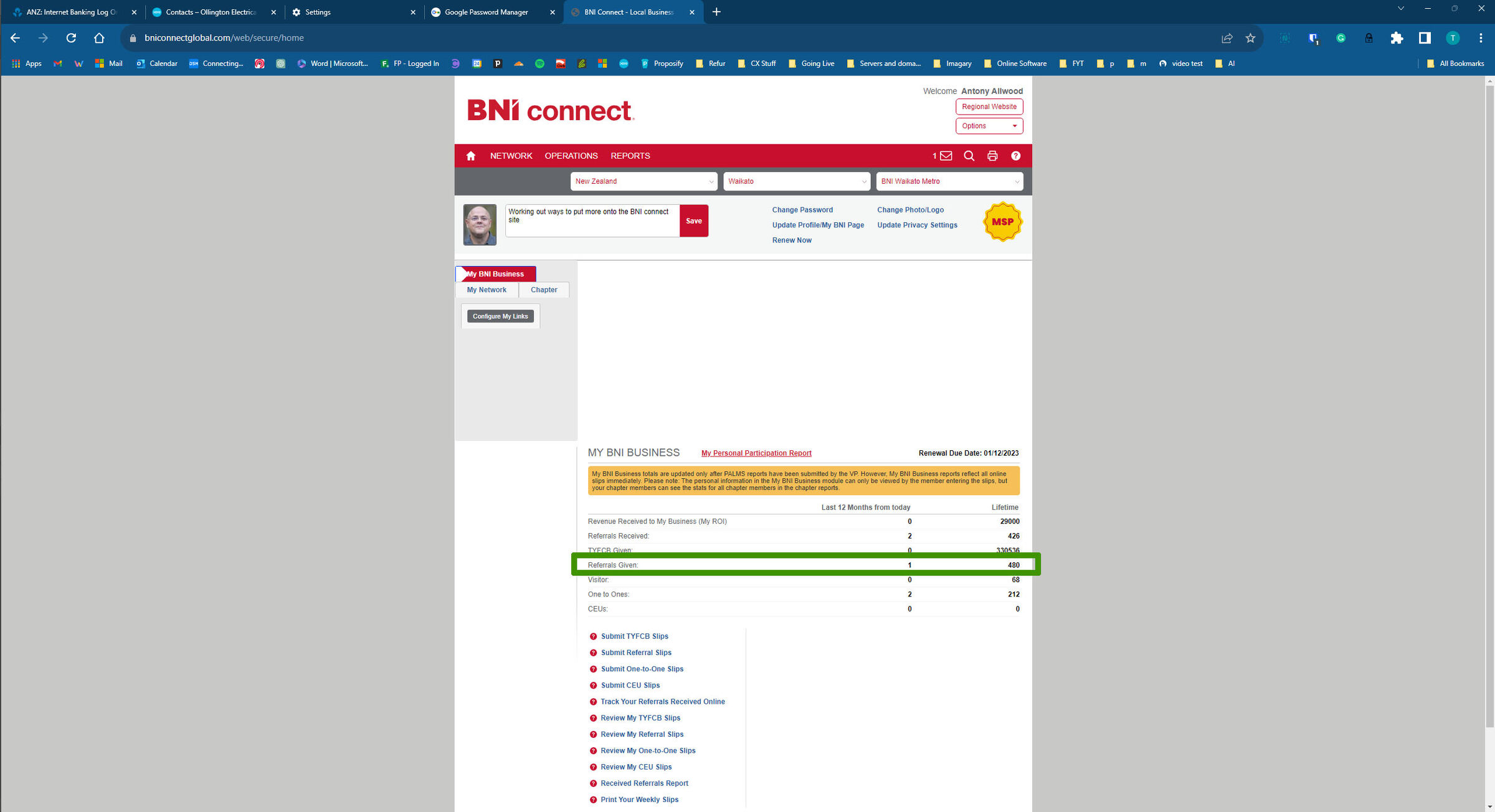
1. Log into the app online
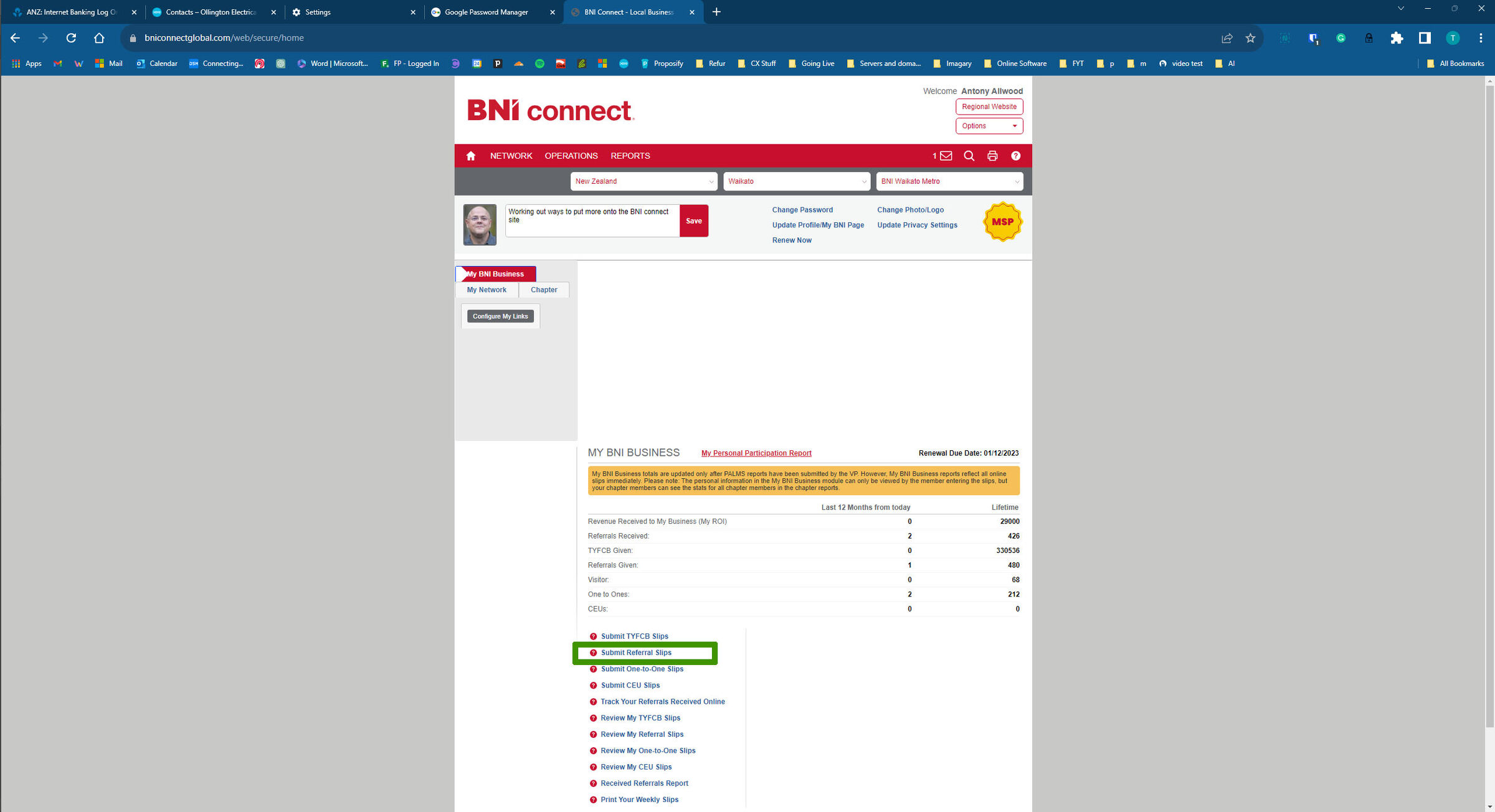
2. Click Submit Referral Slips
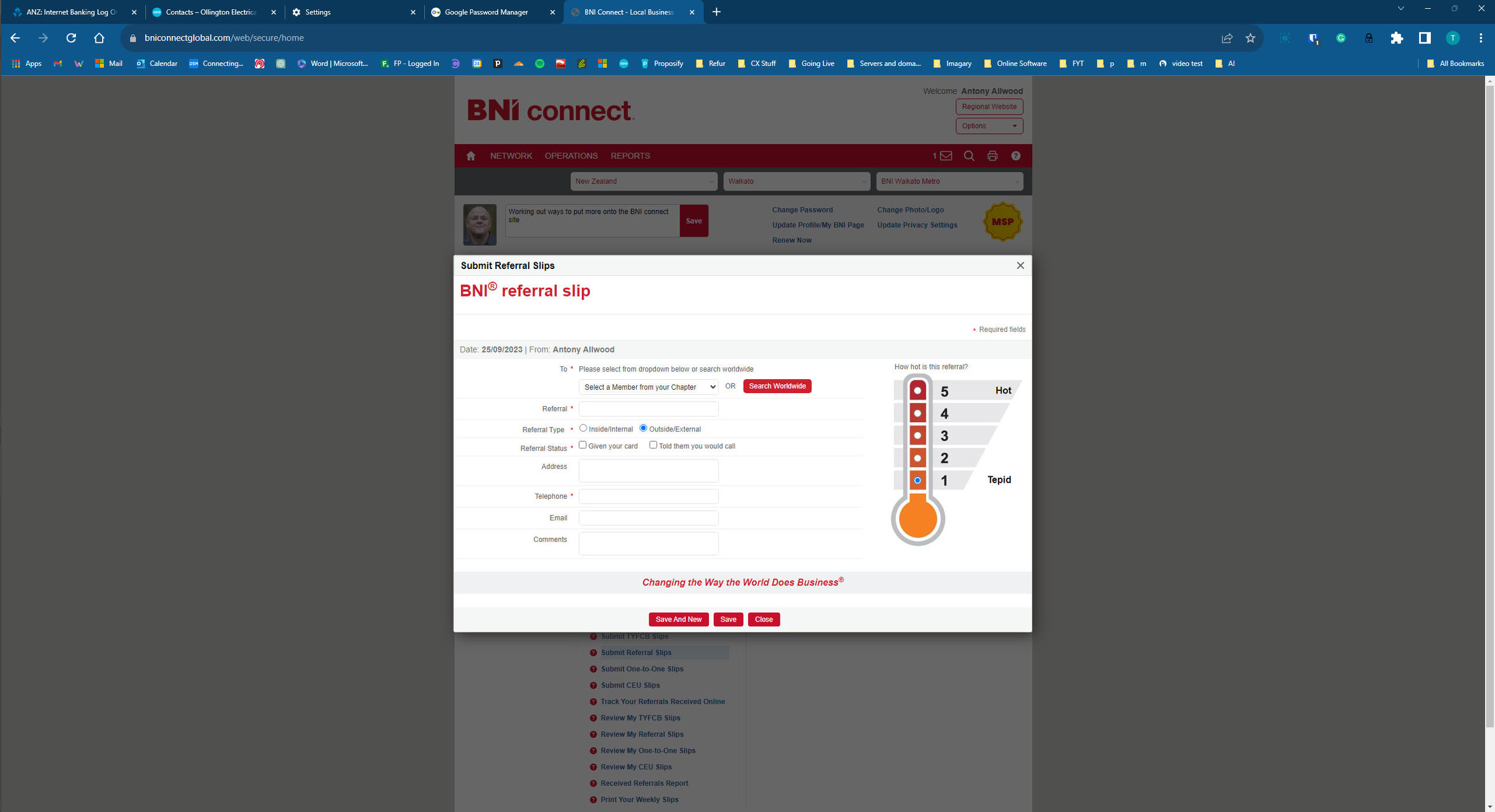
3. Enter the details of the referral
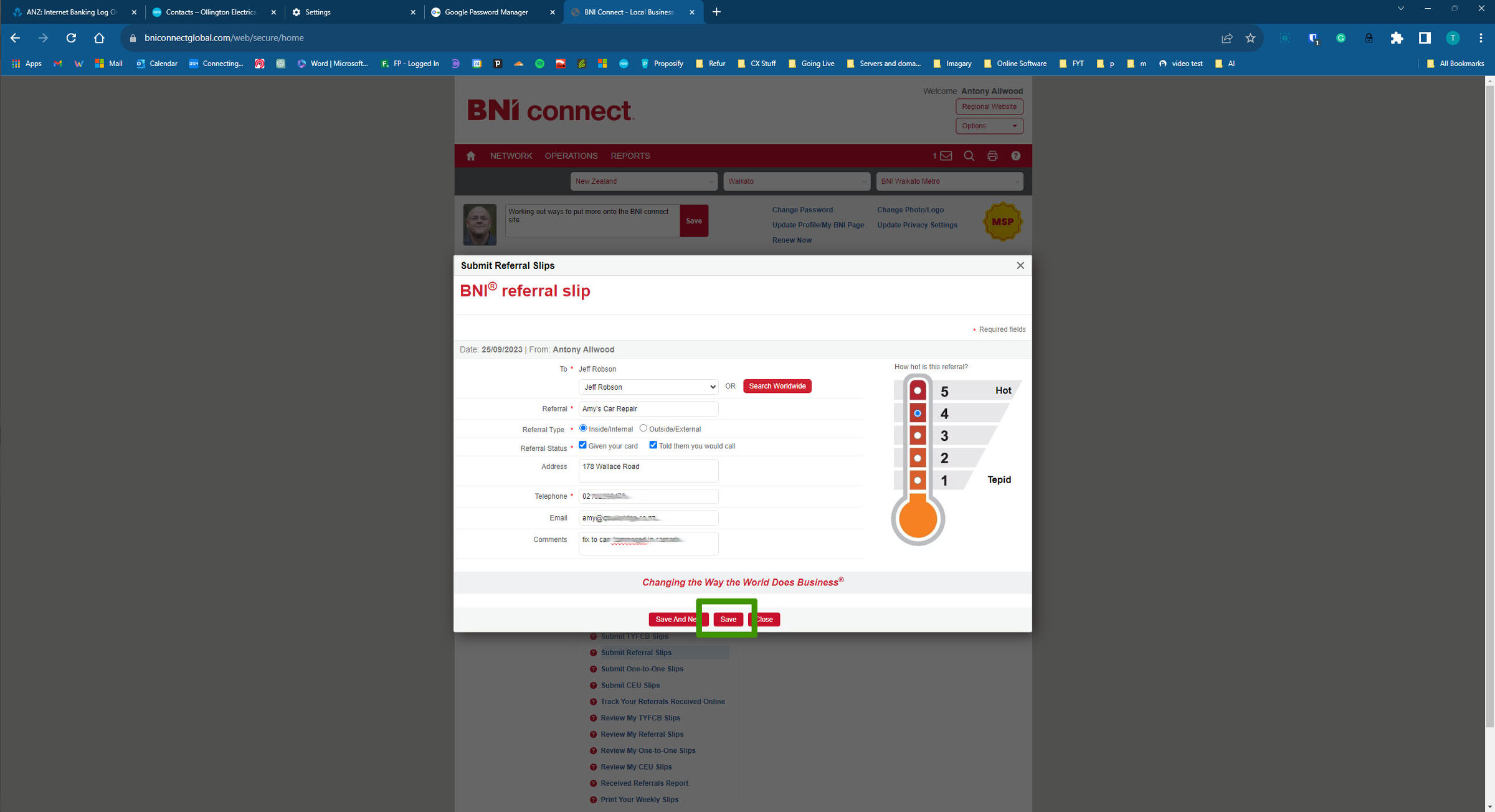
4. If you only have one referral to enter, click SAVE, if you have another to submit, click "Save and New".
5. You will be returned to your dashboard